PDF Editor Free: Edit Documents Online Instantly
Introduction to Finding the Right PDF Editor Free Tool
In today's digital workspace, Portable Document Format (PDF) files are the universal standard for sharing information. Whether you are applying for a job, submitting academic assignments, or signing business contracts, you are bound to encounter PDFs. However, unlike standard Word documents, PDFs are notoriously rigid. Editing them often feels like trying to carve text into stone unless you have the right software. Many people search for a pdf editor free solution because buying expensive monthly subscriptions for occasional document edits simply does not make financial sense.
Fortunately, the landscape of document management has evolved dramatically. You no longer need to download bloated desktop software or pay exorbitant fees just to change a typo, rearrange pages, or insert a signature. Online browser-based solutions have democratized document editing, making professional-grade tools accessible to everyone with an internet connection. In this comprehensive guide, we will explore everything you need to know about editing your files efficiently, securely, and without spending a dime.
Why You Might Need a PDF Editor Free Solution
Before diving into the technical aspects of editing, it is worth examining the most common scenarios where a digital document editor becomes an absolute necessity. Understanding these use cases will help you appreciate the flexibility and power of modern web utilities.
- Correcting Last-Minute Typos: You have just exported your resume or business report, only to notice a glaring spelling mistake or an outdated phone number right before submission.
- Filling Out Application Forms: Government forms, tax documents, and job applications often come as non-fillable PDFs that require manual text insertion.
- Merging Multiple Documents: Combining scanned receipts, invoices, or chapters of a report into a single cohesive file for easier sharing.
- Redacting Sensitive Information: Hiding confidential data, such as bank account numbers or personal addresses, before sharing a document publicly.
- Reorganizing Page Layouts: Deleting unwanted blank pages, rotating sideways scans, or changing the numerical sequence of a multi-page document.
Key Features to Look For in an Online Document Modifier
Not all browser-based tools are created equal. When searching for a reliable utility, you need to evaluate several critical features to ensure your workflow remains smooth and frustration-free.
- User-Friendly Interface: The learning curve should be virtually non-existent. Drag-and-drop functionality and intuitive menus save valuable time.
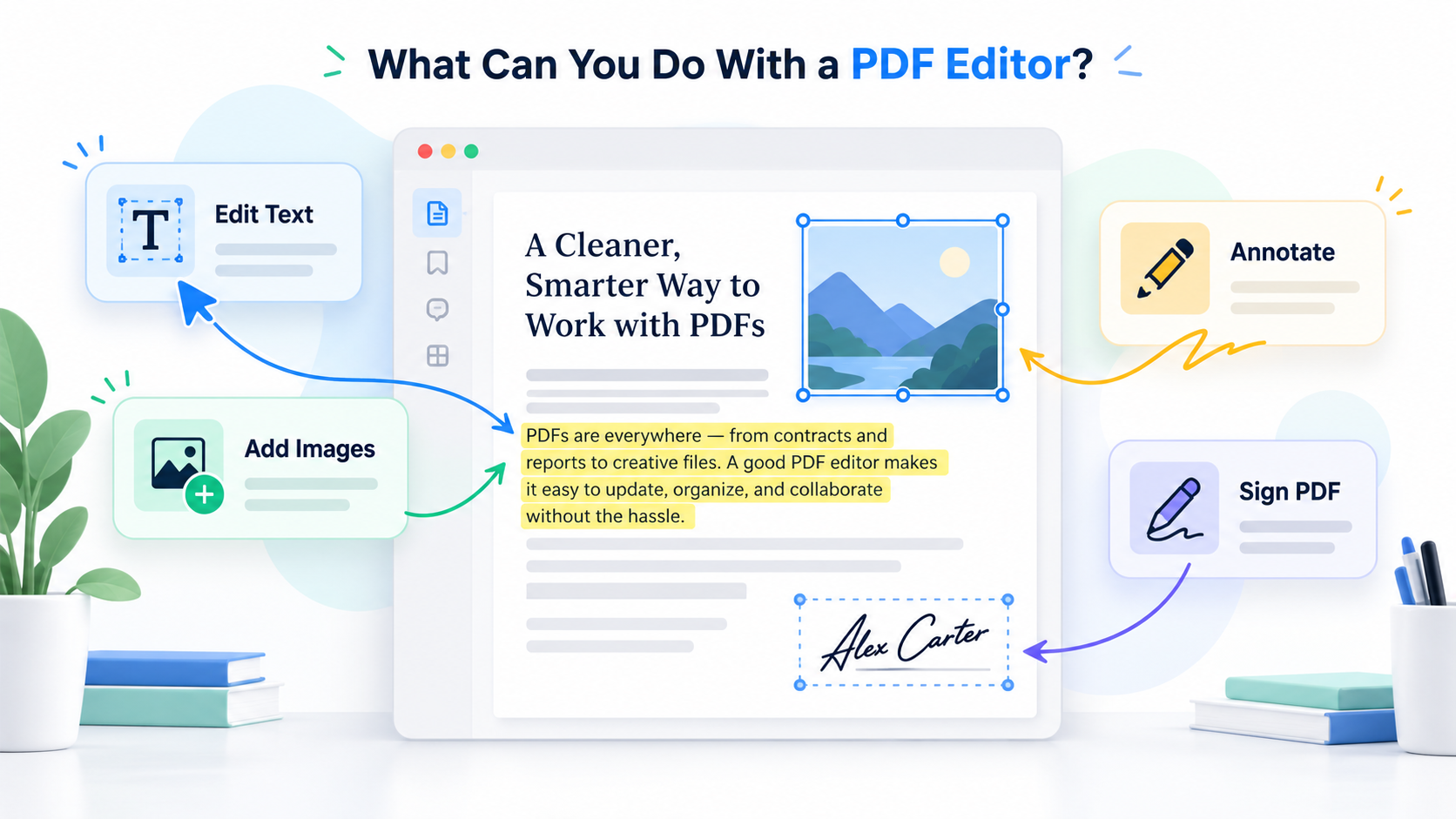
- Text and Image Manipulation: The ability to seamlessly add, delete, or modify existing paragraphs and insert new graphics without disrupting the surrounding layout.
- Security and Privacy: Since you are dealing with potentially sensitive files, the platform must use robust encryption protocols and guarantee that your data is deleted from their servers automatically.
- Cross-Platform Compatibility: Whether you are using a Windows PC, a Mac, a Chromebook, or a mobile device, the editor should work directly within your preferred web browser.
- Speed and Performance: Large files should upload, process, and download quickly without freezing your browser tab.
If you need a quick and secure way to modify your documents, you can use a pdf editor free directly through the Potato PDF platform, letting you make adjustments on the fly without installing bulky software.
Step-by-Step Guide: How to Edit Your Documents Online
Using a web-based editing utility is surprisingly straightforward. If you have never edited a portable document format file in a browser before, follow this simple step-by-step walkthrough to get started immediately.
- Prepare Your File: Locate the document you wish to modify on your computer or cloud storage. Ensure it is not password-protected; if it is, unlock it first using the necessary credentials.
- Navigate to the Tool: Open your web browser and go to a trusted online utility website that offers document modification services.
- Upload the Document: Drag your file from your desktop and drop it into the designated upload area on the webpage, or click the browse button to select it manually.
- Make Your Changes: Once the file renders on your screen, use the editing toolbar to insert text boxes, highlight important sections, add shapes, or insert your digital signature.
- Review Your Work: Take a moment to zoom in and check all your modifications for alignment, spelling, and formatting consistency.
- Save and Download: Click the export or save button to compile your newly edited document, then download it back to your local device for sharing or printing.
Common Challenges and Limitations of Free Document Modifiers
While web-based utilities offer incredible convenience, it is important to maintain realistic expectations regarding what free tools can achieve. Understanding these limitations helps you choose the right approach for complex projects.
First, heavily scanned documents—essentially images saved inside a PDF container—cannot be edited for raw text unless the platform incorporates Optical Character Recognition (OCR) technology. Without OCR, the system sees a picture rather than selectable words. Second, complex typography with rare embedded fonts might shift slightly when re-exported, altering the visual aesthetic of your layout. Finally, internet dependency means that if your connection drops mid-upload or mid-download, you may need to restart the process.
Security Best Practices When Handling Confidential Files
Privacy is paramount when uploading documents to the cloud. Even when utilizing a completely free service, you must practice good digital hygiene to protect your personal and corporate data.
- Check the Privacy Policy: Ensure the website explicitly states that they do not read, store, or sell your uploaded documents to third-party advertisers.
- Look for HTTPS Encryption: Verify that the website address begins with "https://", indicating that data transmitted between your browser and their server is encrypted.
- Delete Files Immediately: Many reputable platforms feature automatic file deletion timers that wipe your documents from their cloud servers within a few hours.
- Avoid Public Wi-Fi: When handling sensitive legal or financial papers, refrain from using unsecured public networks at coffee shops or airports.
Advanced Tips for Professional Document Formatting
To make your edited files look as though they were crafted by a professional graphic designer, keep these expert styling tips in mind.
Maintain font consistency. If the original document uses Arial or Times New Roman, make sure any newly added text matches those specific typefaces and sizes. Pay close attention to line spacing and paragraph margins; mismatched spacing is the number one giveaway that a document has been altered. Furthermore, when adding annotations or highlighting, use neutral or professional tones rather than garish neon colors, especially in formal business reports.
Alternative Methods for Document Management
Beyond standard text editing, you will often find yourself needing to perform complementary tasks to keep your digital files organized. Having a versatile toolkit at your disposal ensures you are never stuck.
For instance, converting documents between formats—such as transforming a PDF into an editable Word file or turning a series of JPEG images into a unified portfolio—is a common requirement. Similarly, compressing oversized files is essential when you encounter strict email attachment size limits. You can easily manage all these tasks and even handle your daily workflow needs using Potato PDF for free, streamlining your digital document management in one convenient place.
Conclusion
Mastering digital document management no longer requires expensive software suites or steep learning curves. By leveraging a reliable pdf editor free tool, you can make swift updates, fill out critical forms, and organize your files with absolute confidence. Always prioritize security, double-check your formatting, and enjoy the streamlined efficiency that modern web utilities bring to your daily workflow.